
Democratizing Precision: The End of the Tool Wars
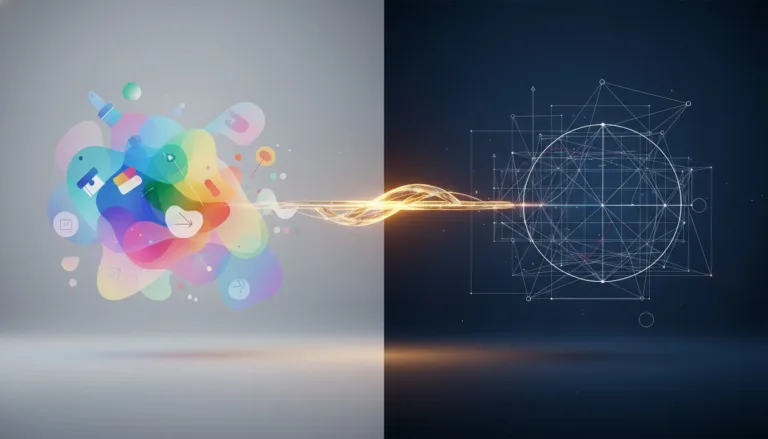
For years, the design industry fueled an artificial dichotomy between ‘amateur’ tools and ‘professional’ software. On one side, Canva democratized access with templates; on the other, Adobe and Affinity guarded technical precision. However, with Canva acquiring Serif and unifying Affinity apps into a single free ecosystem in late 2025, this wall has fallen. For a beginner designer in 2026, this isn’t just market news; it is a fundamental shift in your learning path. The ‘software cost’ excuse for avoiding complex vectors or high-fidelity image treatment no longer exists.As an Art Director, I see that the danger now isn’t lack of access, but complacency. The free availability of Affinity Designer, Photo, and Publisher under the ‘Affinity by Canva’ banner means the market expects you to master both worlds. Canva remains unbeatable for speed, rapid ideation, and social brand consistency. But expectations have evolved: the template is no longer the end point, it’s just the beginning. True skill lies in knowing when to abandon browser ‘drag-and-drop’ and dive into desktop surgical precision. The modern designer is a hybrid flowing fluidly between cloud convenience and local vector engine robustness.
Table of Contents
Beyond Templates: The Absolute Need for Visual Engineering
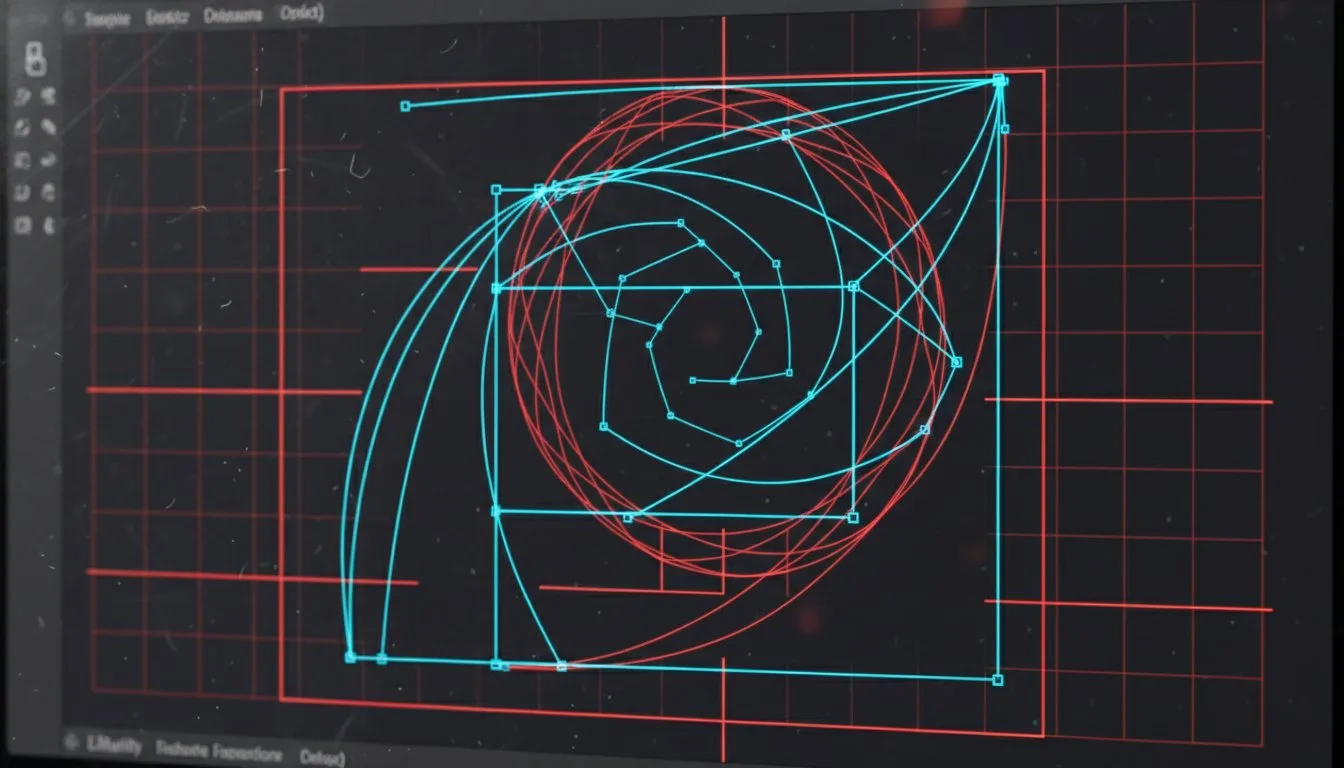
Why do you still need to learn Bézier Curves and complex Grid Systems if Canva has ‘everything ready’? The answer lies in the distinction between ‘assembly’ and ‘construction’. Canva is phenomenal for assembly—organizing pre-existing elements into a pleasing layout. However, building visual identity—creating logos, custom icons, and unique typography—requires visual engineering that only tools like Affinity Designer allow. In the Affinity environment, you aren’t just moving pixels; you are manipulating visual math. Control over nodes, anchors, and boolean operations (union, subtract, intersect) is what separates generic design from proprietary branding.Deep understanding of Modular Grids and the Golden Ratio cannot be automated by templates. In Affinity, the grid isn’t just a visual guide, but a magnetic infrastructure where design anchors itself. For a beginner, the temptation to stay solely in Canva is high, but limiting. Without understanding how to build a vector from scratch, you will eternally be held hostage by asset libraries created by others. True creative autonomy is born when you use Affinity to *create* assets that will later be distributed and remixed in Canva. This is the value hierarchy: whoever creates the original asset holds the highest value in the design market.
Color Semiotics and Output Responsibility
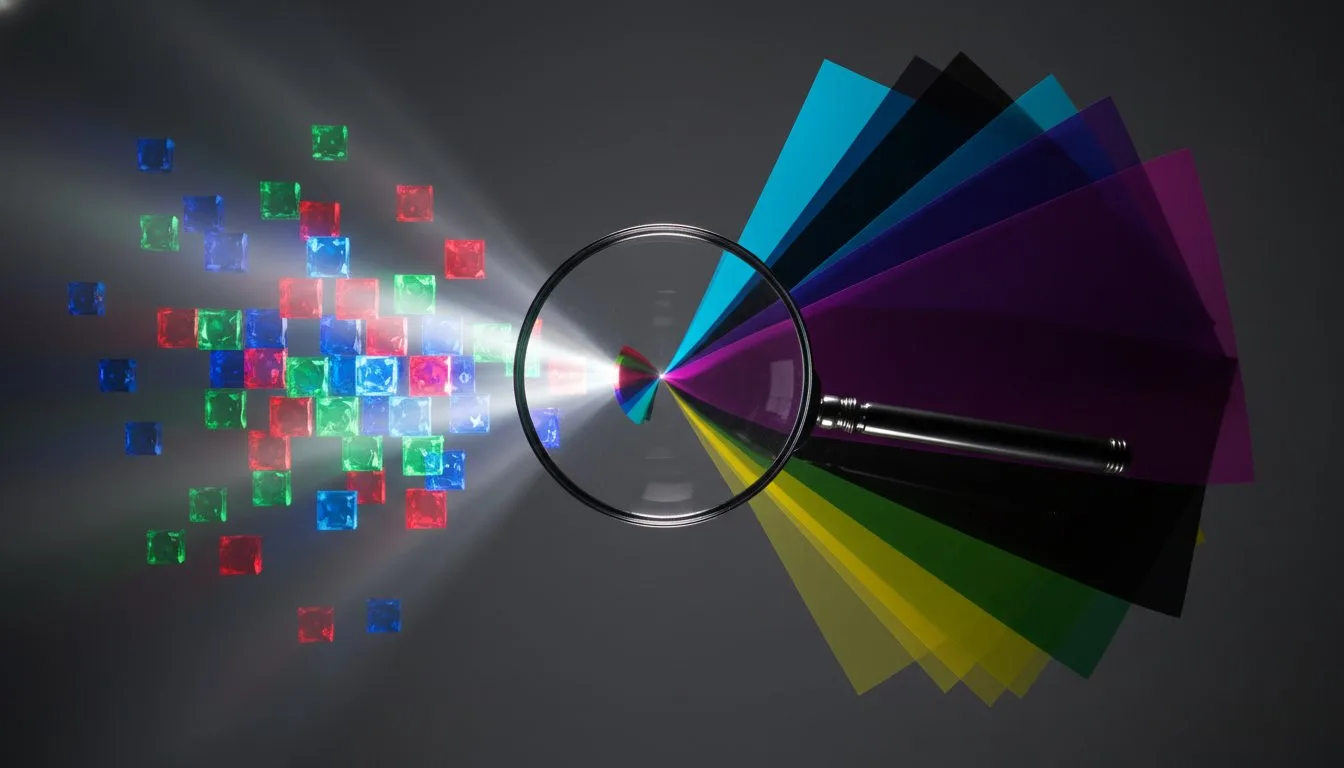
One of the biggest technical abysses beginners ignore is color management and file preparation for the physical world. Canva’s digital ecosystem operates natively in RGB (Light), perfect for screens. However, professional design often demands tangibility—packaging, editorial, billboards. This is where Affinity becomes your mandatory safety net. Correct conversion to CMYK (Pigment), ICC color profile management, and setting up bleeds and crop marks are non-negotiable technical competencies for those wanting to be taken seriously. Sending an RGB file to an offset printer is an error that instantly betrays amateurism.Beyond technique, there is applied psychology and semiotics. Professional tools allow for fine-tuning color curves and gradients (like ‘Mesh Gradients’ in Affinity) that subtly influence consumer perception. In Canva, you pick a color; in Affinity, you sculpt light and shadow to create volume and depth. In 2026, with the integration of ‘Canva AI Studio’ inside Affinity, you have the power to generate textures via AI, but the responsibility to ensure these colors work in the final print is entirely human. Software facilitates creation, but the designer’s ‘trained eye’ guarantees the brand’s visual integrity across all touchpoints, whether on a mobile pixel or magazine ink.
The Hybrid Workflow: The Designer’s New Routine in 2026

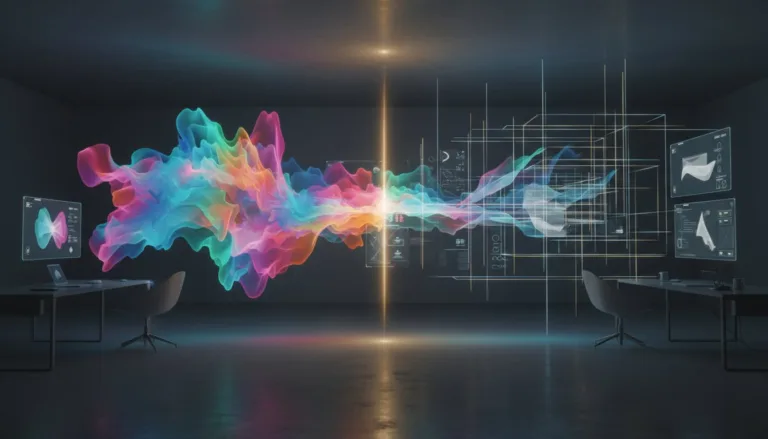
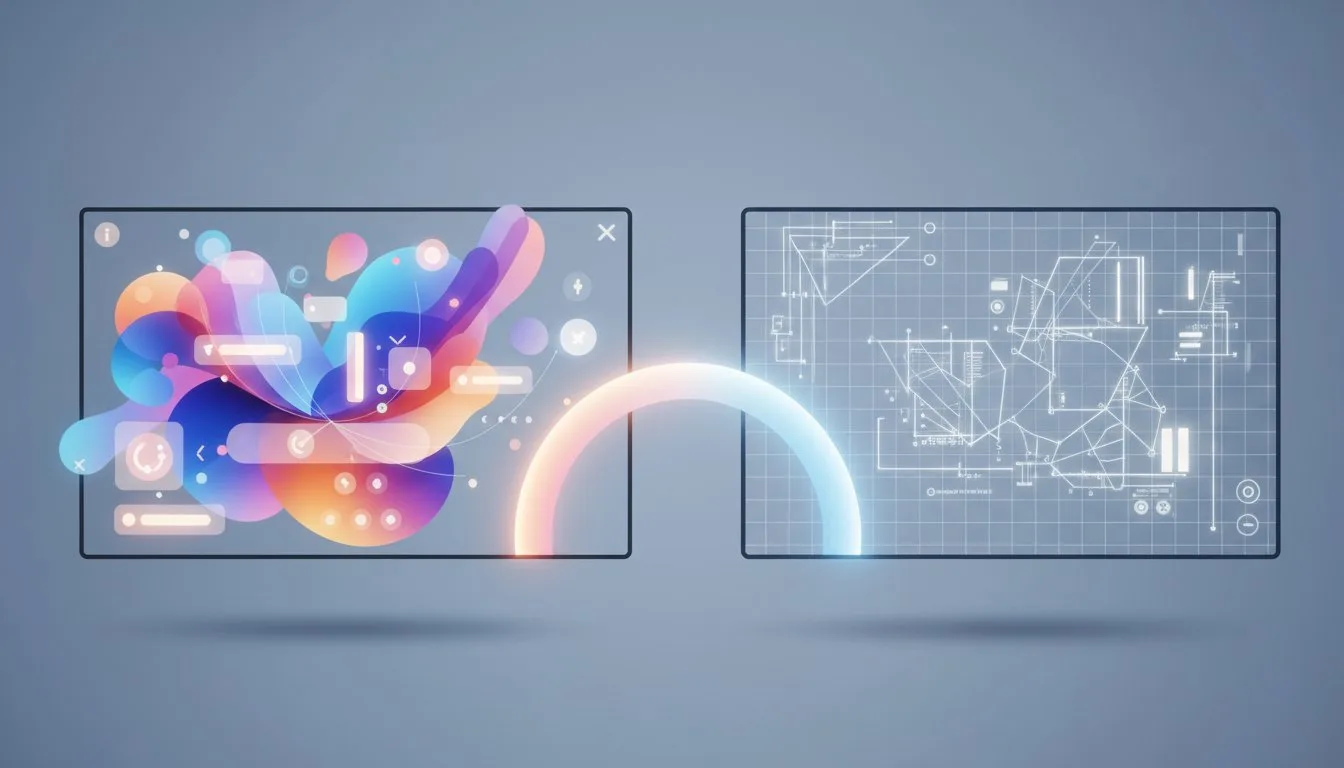
What, then, should your daily creative process look like? The answer is: non-linear and integrated. Forget the idea of ‘doing everything in one place’. The smart workflow starts in Canva for Brainstorming and Moodboarding. The tool’s agility allows testing dozens of compositions and palettes in minutes, validating direction with the client or creative director. Once the concept is approved, migrate to Affinity for high-fidelity execution. This is the moment to draw clean vectors, treat photos in non-destructive layers, and adjust typography with precise kerning.The great asset today is the return loop. With enhanced interoperability, the asset finalized in Affinity goes back to Canva as a ‘live’ element or a locked template for the client’s marketing team to use. You, as the designer, become the system architect. You don’t just deliver a final PNG; you deliver a functional visual ecosystem. Unifying these platforms demands you develop a ‘Design Ops’ mindset, where workflow efficiency is as important as final aesthetics. The future belongs to those who can orchestrate these tools in symphony, using Canva’s AI to accelerate repetitive tasks and Affinity’s precision to ensure artisanal excellence.