
No Entry Barrier: The Rebirth of Rigor
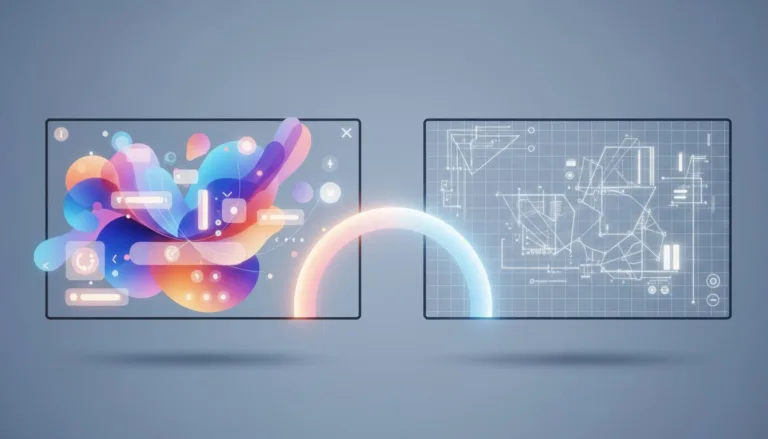
It is 2026, and the graphic design landscape has undergone its most seismic shift in decades. With Canva’s acquisition of Affinity consolidated and the subsequent strategy of making the Affinity suite accessible—or even free at certain tiers, as seen in the October 2025 update—the financial excuse for not using professional software has evaporated. For the beginner designer, this presents a fascinating and terrifying paradox. Previously, Adobe’s price barrier served as a gate: those who paid generally invested time to learn. Now, with industrial-grade vector and retouching tools in everyone’s hands, the distinction between an amateur and a professional lies not in the software they own, but in the intellectual knowledge they apply.The democratization of ‘Pro’ tools demands a new mindset. Dragging and dropping templates in Canva and calling it art direction is no longer enough. Access to Affinity Designer and Photo forces the beginner to confront the ‘blank canvas’ without the training wheels of pre-made templates. This means the market now expects you, the junior designer, to grasp the visceral difference between a raster image and a scalable vector not because the software forces you to, but because output quality demands it. Ease of access has exposed technical nakedness; without the shield of ‘expensive software,’ only your ability to substantiate your visual decisions remains.
Table of Contents
Semiotics of Imperfection: Why Trends Need Technique

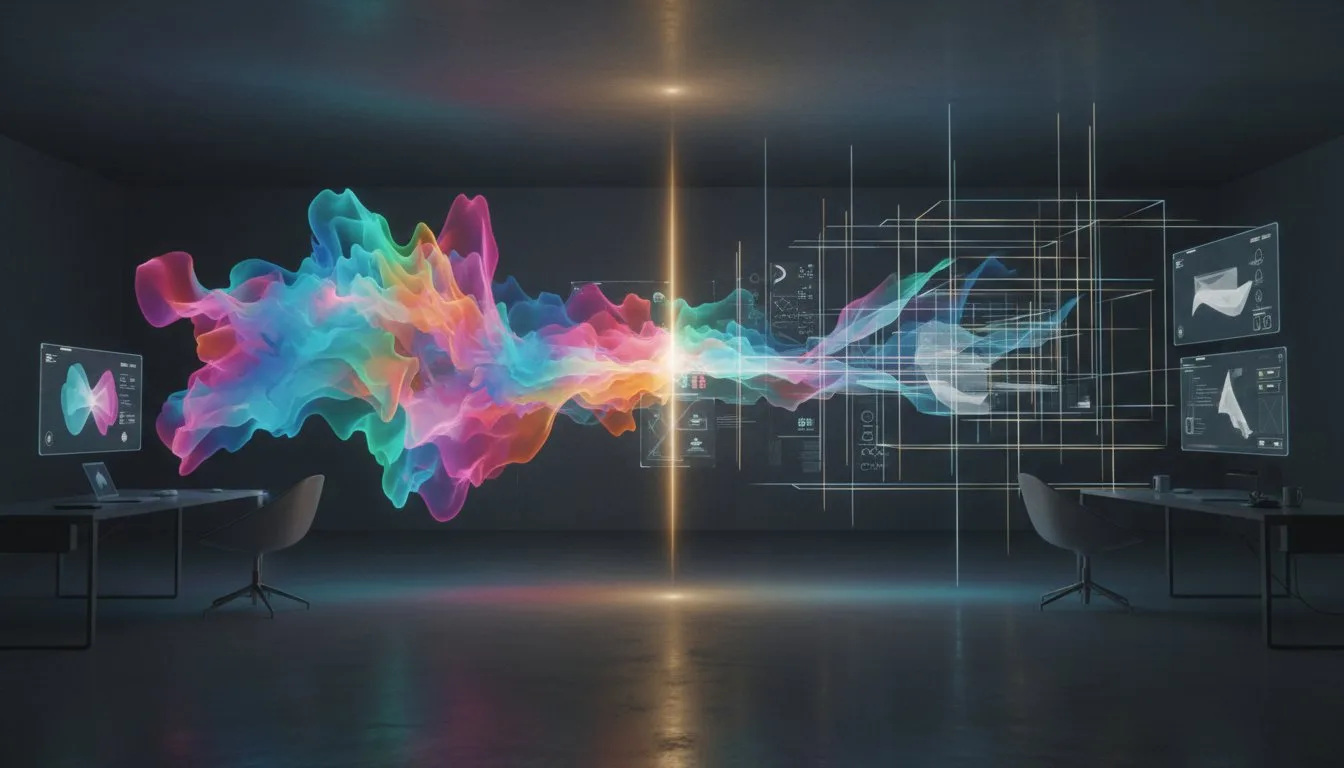
Analyzing the 2026 trend report, we see the rise of ‘Imperfect by Design’ and ‘Lo-fi’ aesthetics. As an Art Director, it is crucial to warn you: intentional visual imperfection is radically different from accidental technical error. To break the grid elegantly in Canva, you must first know how to build it mathematically in Affinity. The current trend of ‘Reality Warp’ and tactile textures dominating this year’s visuals is not an invitation to sloppiness, but an advanced exercise in semiotics. The human eye subconsciously detects when a distortion is the result of an aesthetic choice or a failure in manipulating anchor points.In today’s hybrid environment, where the ‘Chroma Engine’ allows unprecedented fluidity between platforms, the danger lies in the seduction of ease. Canva allows you to apply textures and noise with a click, but Affinity allows you to control the levels and color separation that make that noise printable and professional. The designer who merely applies the ‘retro’ filter without understanding light physics or film grain is doomed to create pieces that look dated rather than nostalgic. True mastery in 2026 is using Affinity’s surgical precision to create the structural base, and then using Canva’s fluidity to apply the layer of humanity and imperfection, knowing exactly where and why each element was distorted.
Color Architecture: From Liquid RGB to Solid CMYK
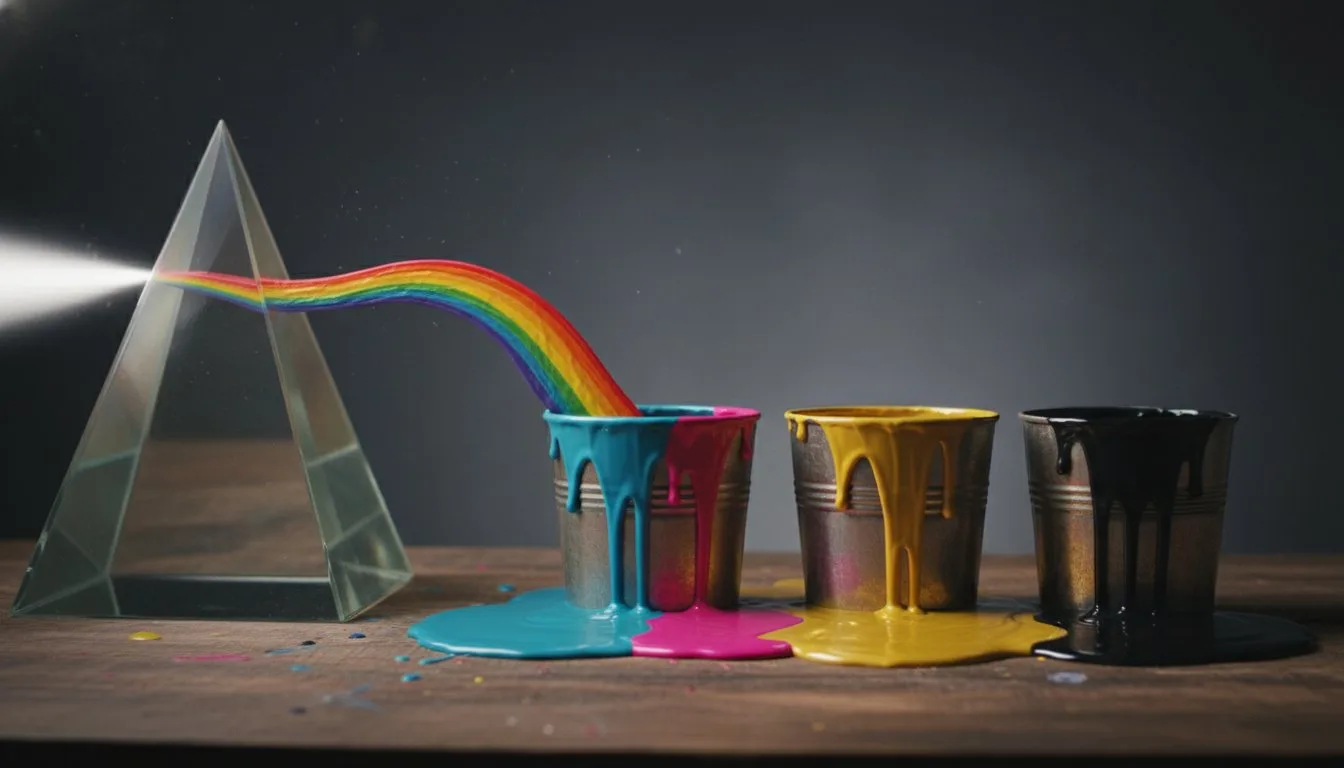
Perhaps the most dangerous abyss for the ‘Canva Generation’ designer is color management. We live on vibrant OLED screens where Canva shines with its infinite RGB gamut. However, integration with Affinity has reintroduced the responsibility of print and brand fidelity into the daily workflow. The ‘Export for Print’ button is not magic. Converting an electric blue from the screen to cyan ink on paper is a physical and chemical process that demands respect. Affinity, with its robust pre-press heritage, is not just an accessory; it is the quality control lab for your work.The beginner designer must view Affinity as the ‘auditor’ of creative work done in Canva. While Canva allows for untethered chromatic exploration, Affinity must be used to verify the viability of those colors in the real world. Understanding ICC profiles, overprint, and bleed is not ‘a thing of the past’; it is what prevents your client’s branding from becoming a brown smudge on a business card. The symbiosis of tools in 2026 allows you to create dreamy palettes with Canva’s AI, but requires you to use Affinity’s densitometry to ensure that dream doesn’t become a logistical nightmare at production time.
The Hybrid Strategist: The New Professional Profile

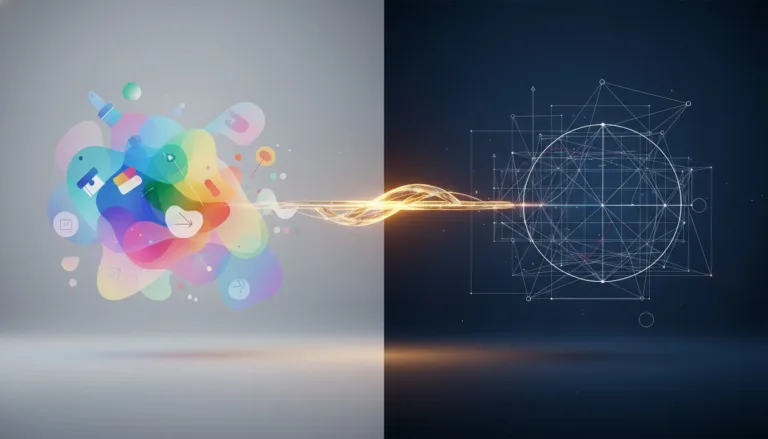
The undeniable conclusion of this new ecosystem is the death of the ‘tool operator’ and the birth of the ‘Visual Strategist.’ In 2026, we no longer ask in interviews ‘do you know how to use Canva or Photoshop?’. The question is: ‘How do you orchestrate your flow between AI agility and vector precision?’. The market no longer tolerates the purist who refuses Canva out of snobbery, nor the amateur who fears Affinity out of laziness. The valued professional is the one who draws the immaculate vector logo in Affinity Designer, ensuring infinite scalability, and imports it into the Canva ‘Brand Kit’ so the marketing team can generate 50 social media variations in minutes.This hybrid workflow is the gold standard. It requires you to understand visual hierarchy, typography, and Gestalt (in Affinity) to create systems that survive automation (in Canva). The beginner designer should focus less on ‘tool tutorials’ and more on ‘design system architecture.’ The tools have changed, merged, and become cheaper, but the need for a brain that knows how to organize visual chaos into clear communication remains the most expensive commodity in the world. Master the technique so you can forget it and focus on strategy; that is the only sustainable path for your career in the coming years.